Day 24 Task: Complete Jenkins CI/CD Project

Let's create end to end CICD for project Node JS application.
Task-01
Fork this repository:
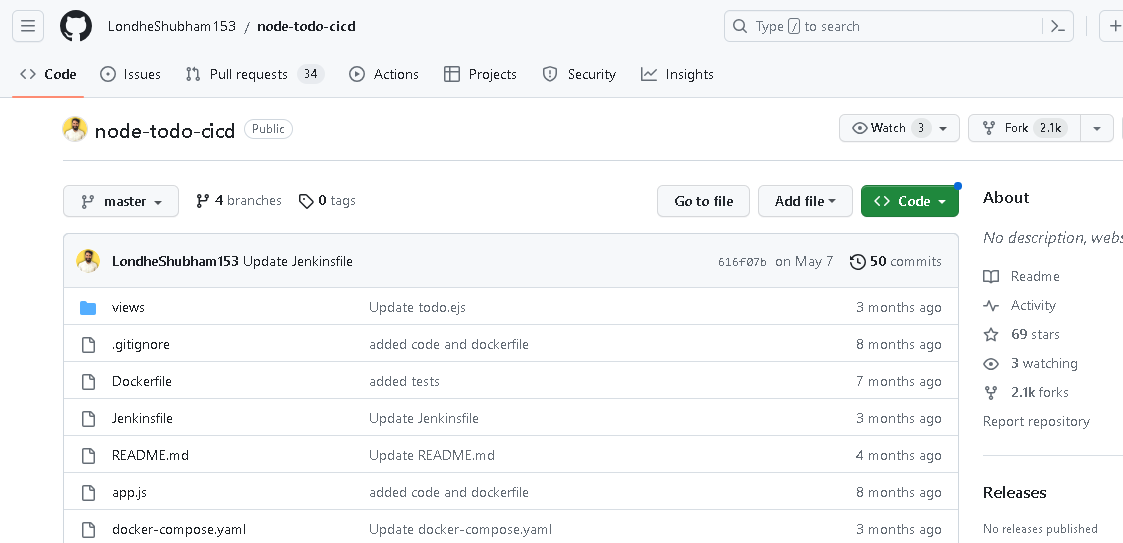
Create a connection to your Jenkins job and your GitHub Repository via GitHub Integration.
Steps:
Generate the SSH keys for integrating your Jenkins project with your git repository. Use ssh-keygen command to create public and private key.
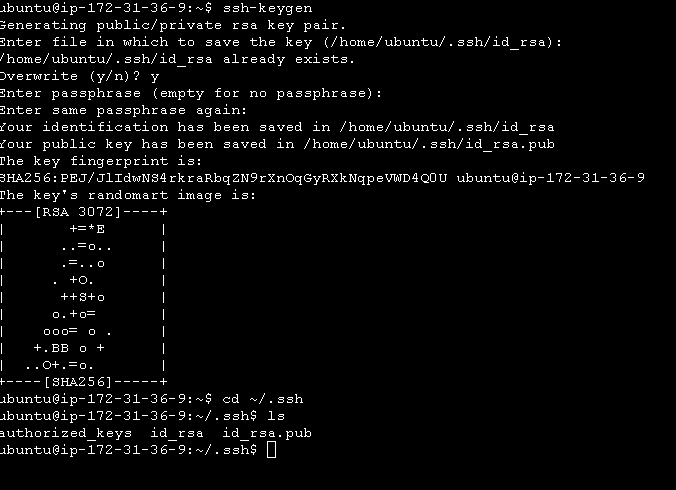
Configuring GitHub
1.Go to your GitHub account settings.
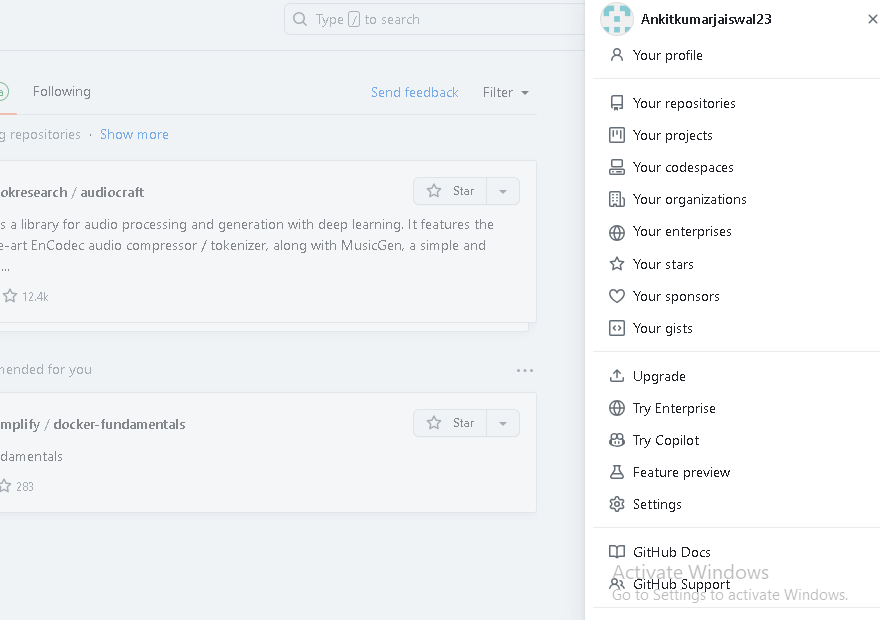
2.Go to SSH and GPG keys, Add public key that we created using ssh-keygen and select key-type Authentication key.
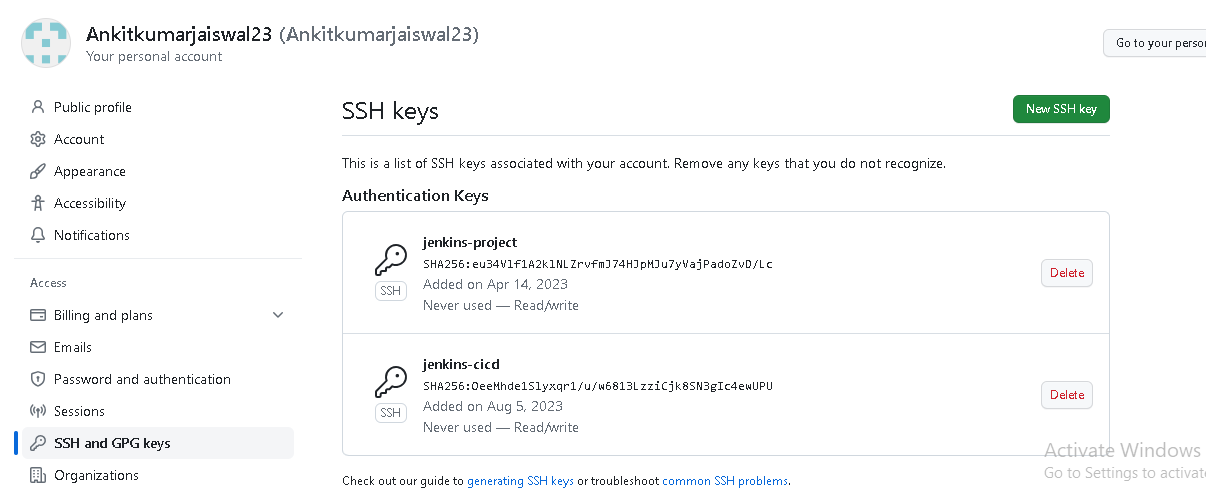
For GitHub-Webhook:
Go to your GitHub repository and click on Settings.
Click on Webhooks and then click on Add webhook.
In the ‘Payload URL’ field, paste your Jenkins environment URL. At the end of this URL add /github-webhook/. In the ‘Content type’ select: ‘application/json’ and leave the ‘Secret’ field empty.
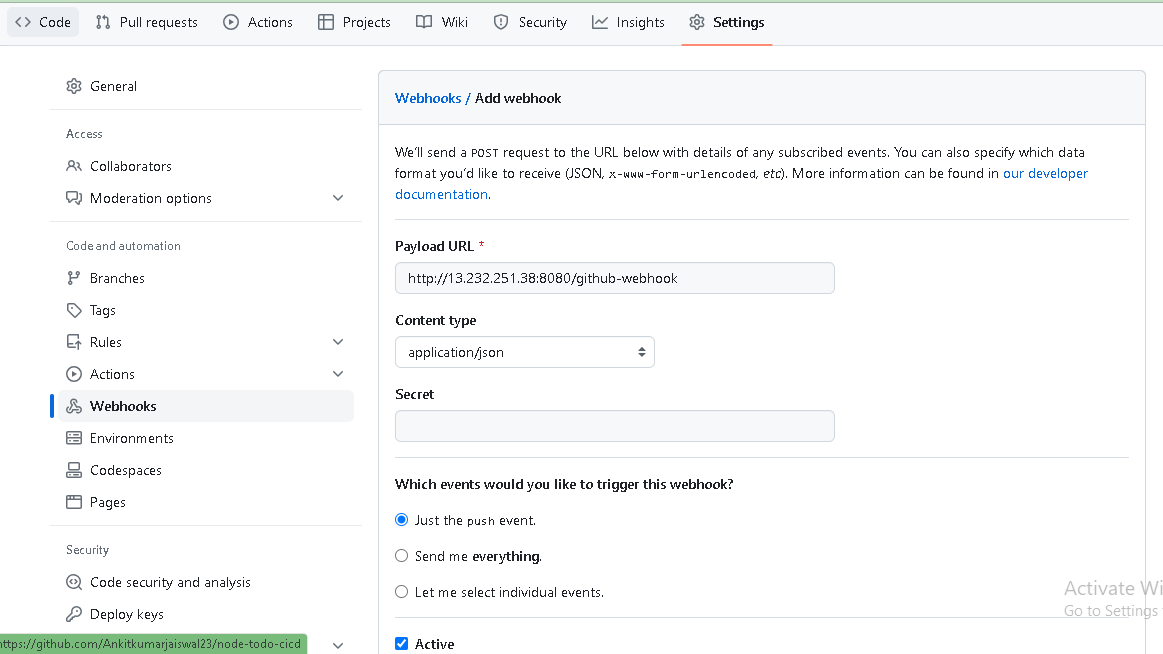
Now for Installing GitHub Integration plugin in Jenkins
Open your jenkins dashboard.
Click on the Manage Jenkins button on your Jenkins dashboard
Click on Manage Plugins
Install GitHub Integration plugin.
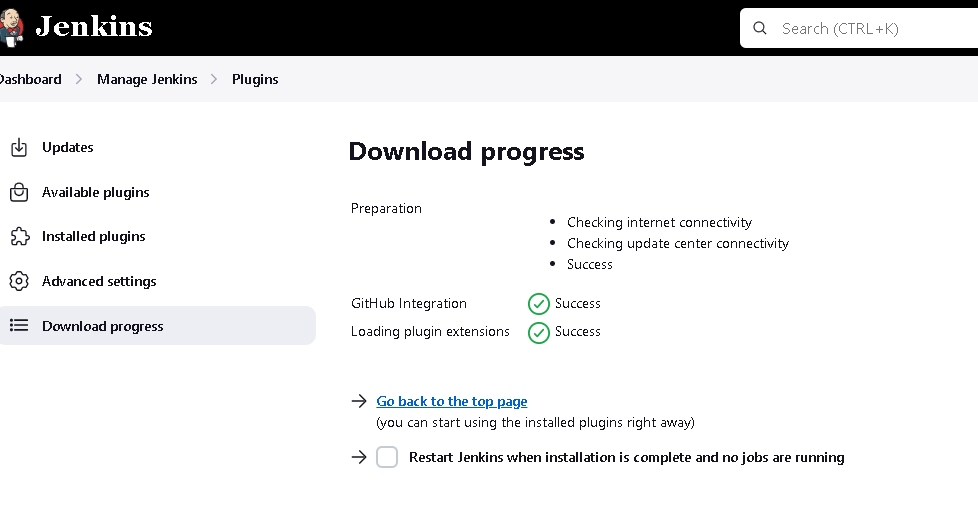
Configuring Jenkins:
Create a jenkins job:
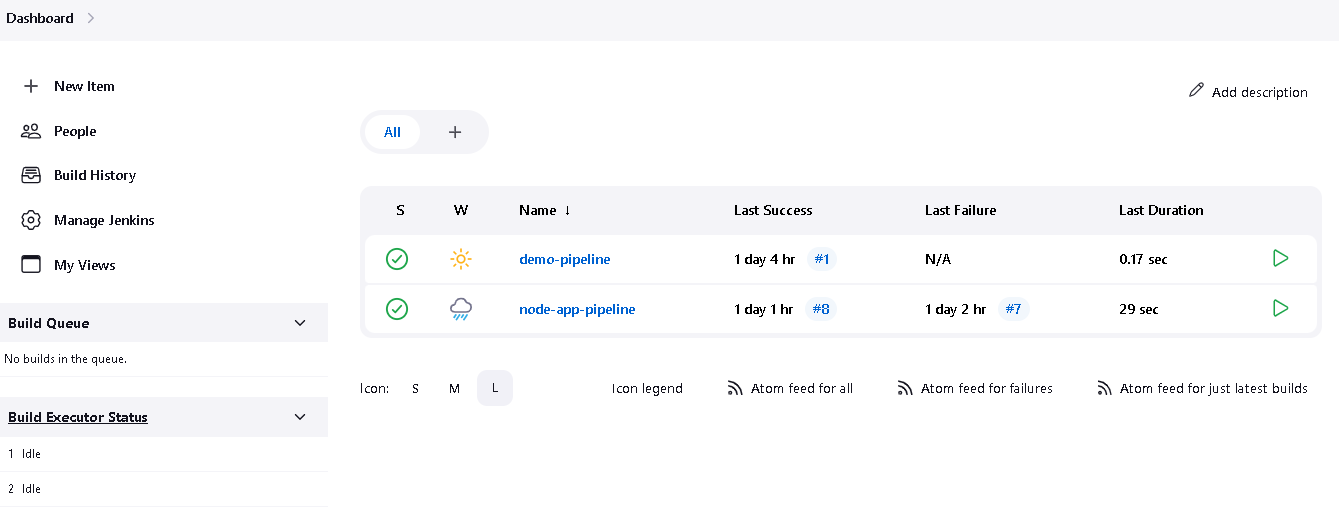
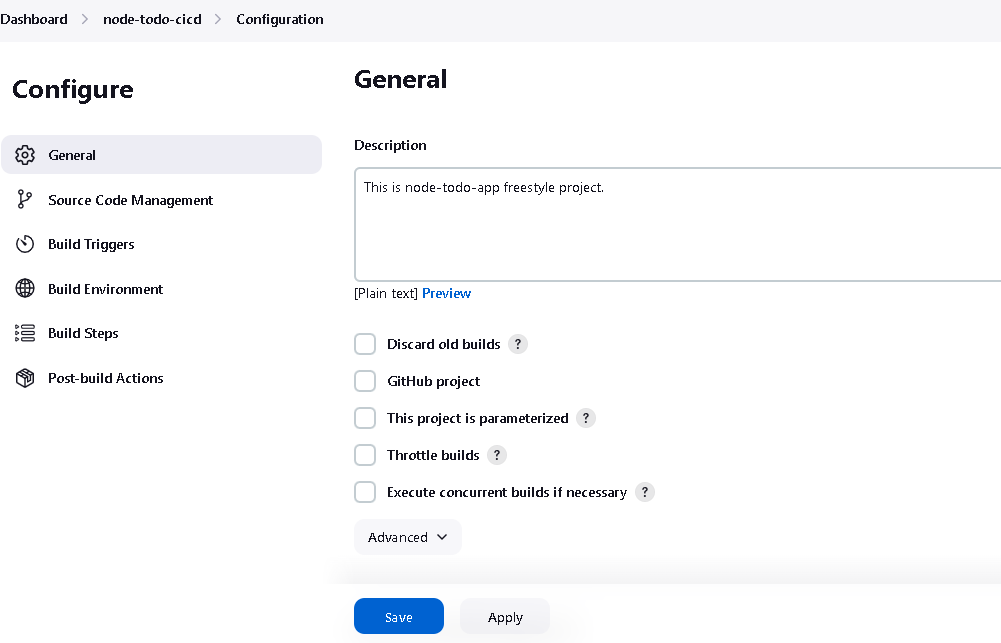
- Create node-todo-app freestyle project:
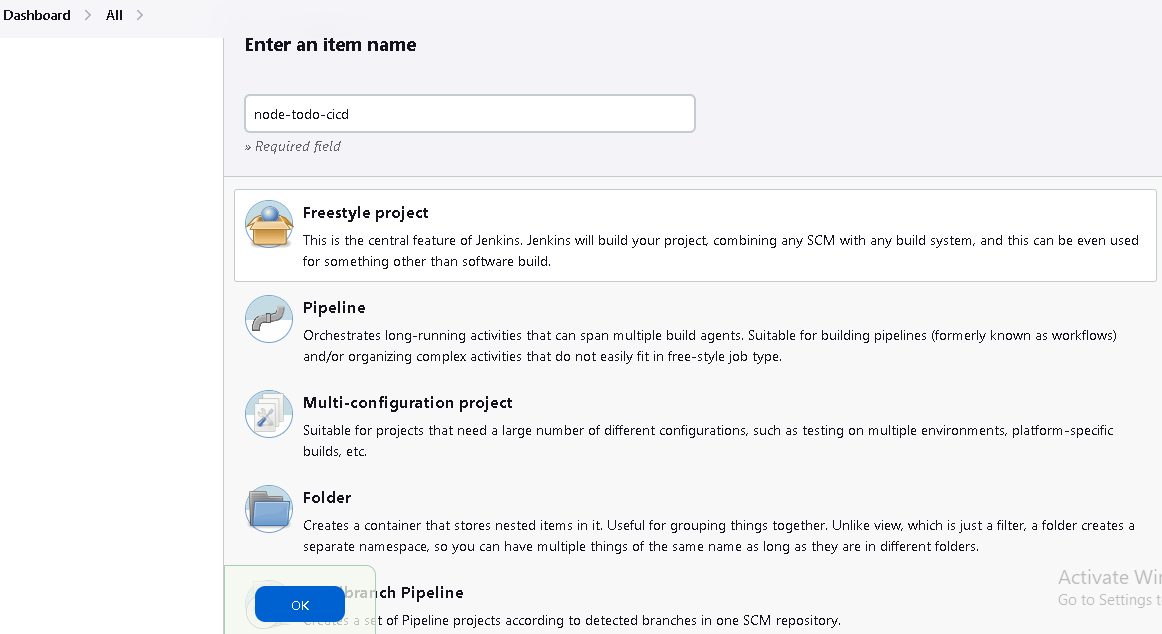
- In Configure, GitHub project URL write your project GitHub URL:
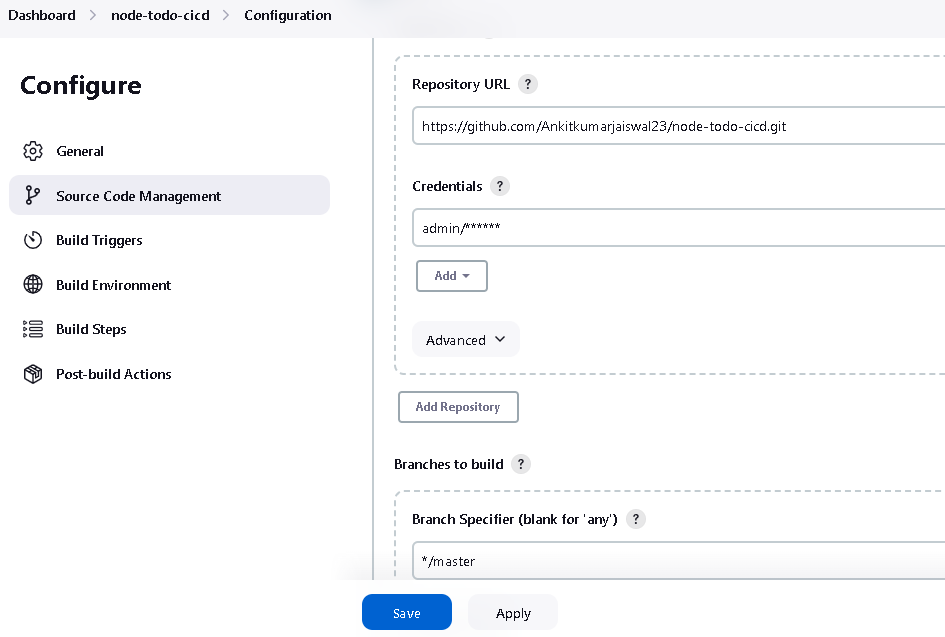
- In Git, add credentials for Jenkins:
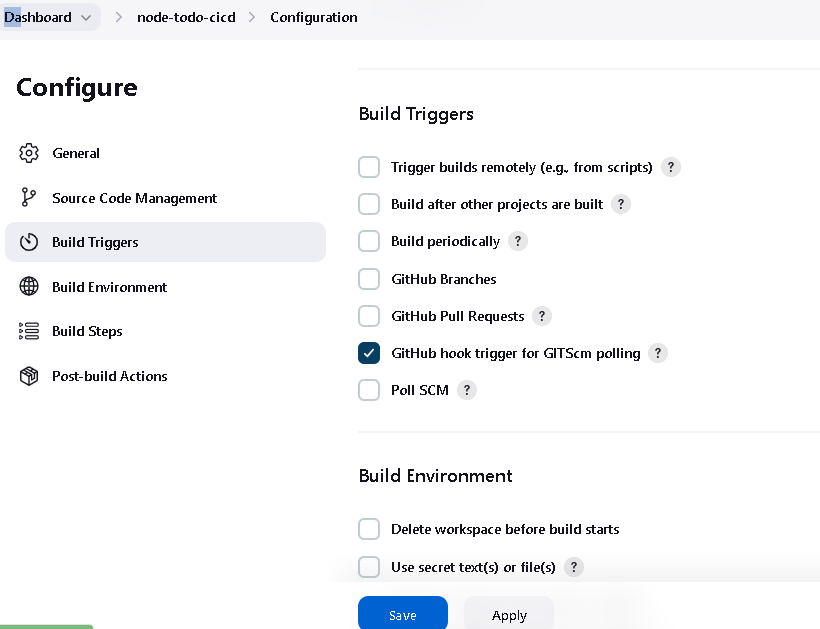
- Click on the ‘Build Triggers’ tab and then on the ‘GitHub hook trigger for GITScm polling’.
Task 2:
In the Execute shell run the application using Docker compose
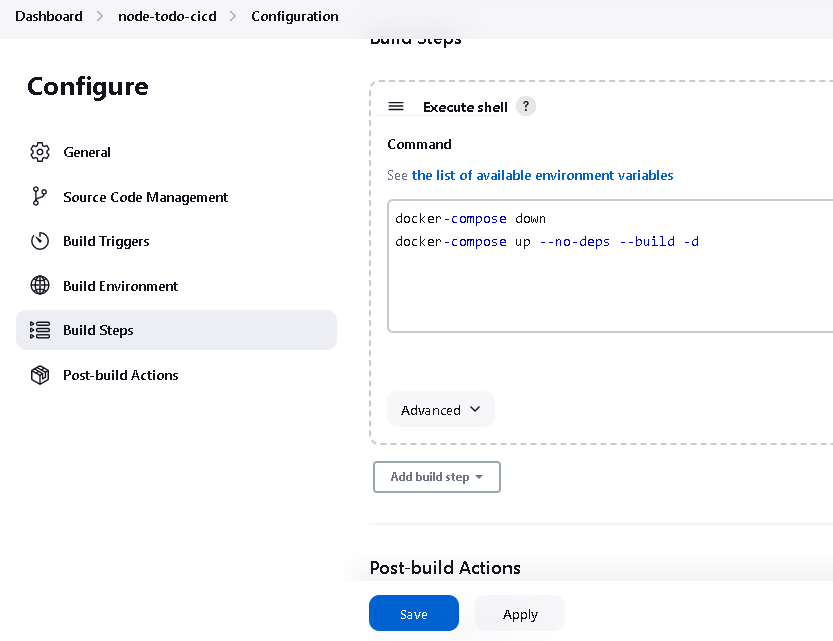
You will have to make a Docker Compose file for this Project
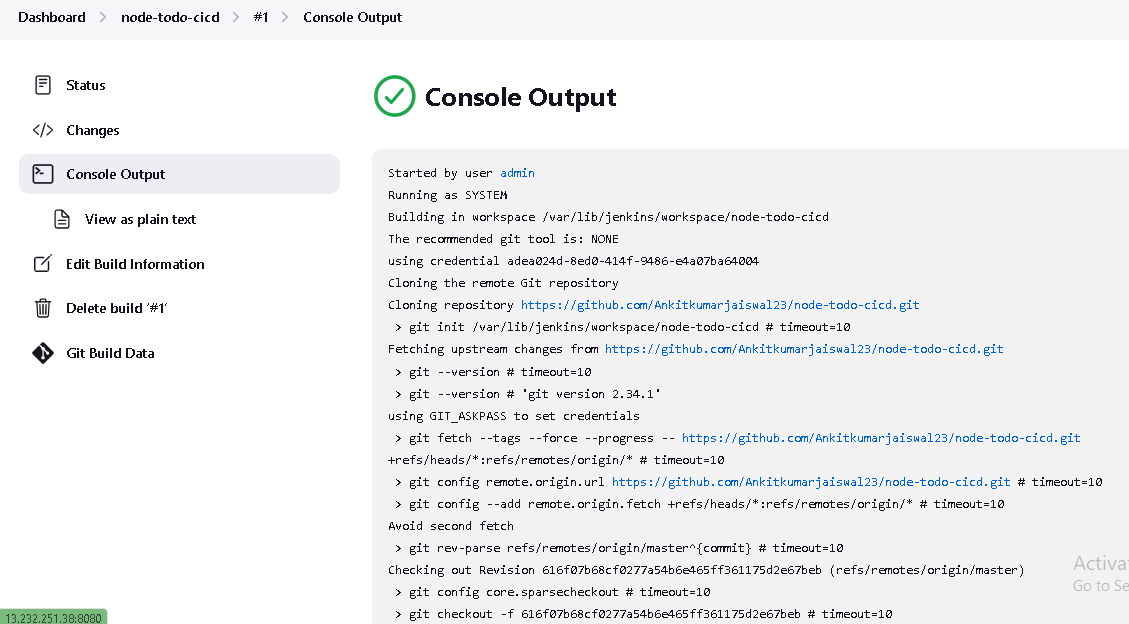
After build you can check console output.
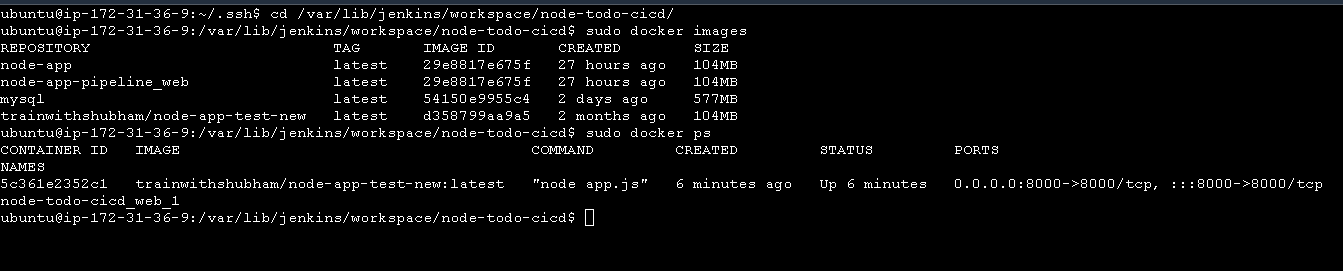
- Using docker ps command, you can see container is created.
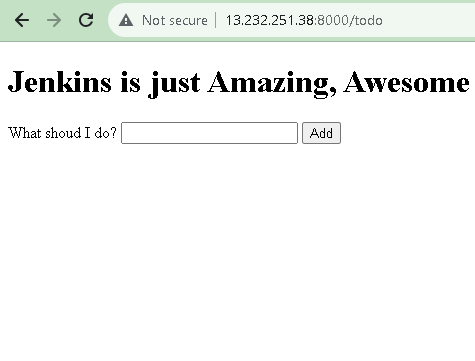
- Browse public IP address with port no.8000
Thankyou for reading. Happy Learning.


